Is it safe to paste customer data into ChatGPT?
It depends on your account, your provider's terms and what the tool can reach. How to share only what a task needs and keep customer records out of AI tools.
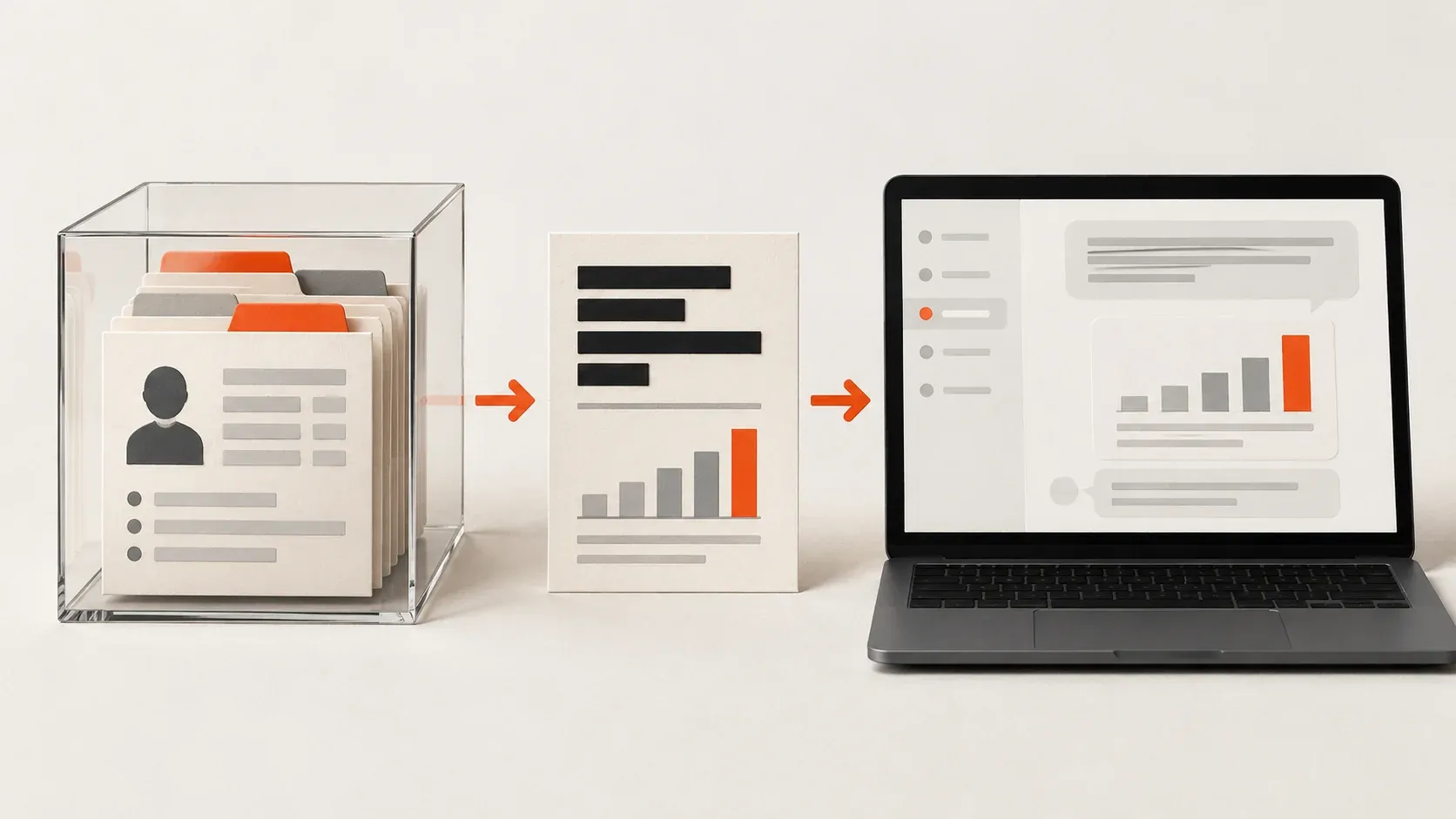
Only if your company has approved the tool for that data, and only after you remove what the task doesn’t need. Whether it’s safe depends on three things: the account you use, what the provider does with your data, and what the tool can reach on your computer. A paid subscription alone does not settle those questions. My default advice is to always remove identifying details before sharing customer information. Keep sensitive data such as identifiable company information or names, passwords, API keys, and other access credentials out of the conversation.
In the cybersecurity community and among businesses I’ve worked with, I see the same departments pushing to connect AI to more data. Sales and marketing lead the drive, with HR close behind, because AI makes the data easier to analyze. The calls I receive after an agent reads passwords or sensitive financial documents show what can go wrong. You can get useful work done without giving the model everything. Before sharing customer information, you need to understand whether the provider can use it for training and how long it keeps a copy.
I use AI as a general term throughout this article. An LLM, or large language model, is the model that processes the information it receives and generates a response. An agent uses a model alongside tools that can read files or take actions within the permissions you grant. That distinction matters because you need to consider both what you share deliberately and what an agent can retrieve.
Does ChatGPT train on what you paste, and how long does it keep it?
Training means using your content to improve a model. Retention means keeping a copy. A service can exclude your data from training and still store your conversations. The policies below are OpenAI’s. Copilot, Gemini and Claude publish their own, and the same questions apply. OpenAI’s published policies distinguish between these common ways of using its tools:
| Account or mode | Training policy | What to check |
|---|---|---|
| Personal ChatGPT Free, Plus, or Pro | Data sharing for training is enabled by default. You can opt out. | In Settings > Data controls, check Improve the model for everyone (personal account controls). |
| Temporary Chat | Conversations are excluded from training while they remain temporary. | OpenAI may retain a copy for up to 30 days for safety. Saving the chat makes it a regular conversation (Temporary Chat controls). |
| ChatGPT Business or Enterprise | Business data is excluded from training by default. | Check the workspace’s retention rules, access settings, and your agreement (enterprise privacy). |
| OpenAI API, used through software | Data is excluded from training unless you opt in. | Retention depends on the feature and configuration. Zero Data Retention requires approval and has limitations (API data controls). |
Turning off training leaves saved chats in your history and, on personal plans, submitting response feedback can allow the associated conversation to be used for training despite your opt-out (model-improvement policy). Human access should also be considered. OpenAI’s consumer policy allows limited, authorized access for purposes including security investigations, support, and legal matters. A training data opt-out does not remove the ability for employees to access your data (consumer data handling).
Some enterprise companies I work with have agreements that provide zero data retention and no model training. However, I still encourage restricting what reaches the model. Contractual protections help manage the provider’s handling of data. They do not decide which customer records your staff should share.
How much customer data does the task actually need?
If you sent a spreadsheet to another business, you would consider which columns the recipient needed. Apply the same judgment before uploading it to ChatGPT. For a report about monthly sales by product, customer names and email addresses may add nothing. A summary with product categories, monthly totals, and transaction counts may be enough. A draft response to a complaint may need the customer’s concern, but not their home address or account number.
Removing names does not necessarily make a record anonymous. An unusual purchase, a specific date, or a detailed narrative may still identify someone. Review the remaining context as well as the obvious identifiers. I keep credentials out of prompts entirely. For payment details, health information, or other sensitive customer records, I would require a specifically approved workflow and ensure compliance with any regulatory bodies before considering their use.
Approval also needs to account for customer promises and applicable privacy law. In the US, the FTC tells businesses to reread their privacy policy and make sure they are honoring the promises they made to customers (FTC privacy and security guidance). In the UK, the ICO says businesses need an appropriate lawful basis for processing personal data with AI. Disabling training does not answer either question (ICO guidance on lawful AI use).
My report workflow keeps identities outside the model
Generating reports and analyses is one of my favorite uses for AI. I start with fictional data that matches the structure of the files I expect to use. Then I have the AI create a script that calculates the results and fills an HTML report template for PDF conversion. A starting request might look like this:
Create
./mock-sample-data.csvwith 100 fictional sales transactions using these headers:month,company_name,contact_name,product,units,unit_price. Each row represents one transaction, and all prices are in USD. Include multiple companies and products across three months, with consistent company and contact relationships.
Create a Python script called
./generate-sales-report.pythat accepts an input CSV path, reporting month, company name, and output HTML path. Calculate total revenue, units sold, and revenue by product for the selected company and month. Use the mock CSV for development, and include checks for missing columns and invalid numeric values. Keep processing local, with no network requests.
Create an HTML report template with a monthly summary, product performance table, and a commentary area I can complete locally. Use readable typography, consistent spacing, and print styles that prevent table rows from splitting across pages. Make the report self-contained, with no externally loaded fonts or images. Include the command to run the script and instructions for converting the HTML to PDF locally.
I iterate on the calculations and design using the mock data, then review and test the generated script. Once it works, I run it myself against the real CSV and check the completed report before sharing it. The same script can handle recurring exports with the same structure. To keep sensitive data out of the conversation, the real files and generated reports must also stay outside the agent’s access.
Running a script on your computer does not automatically keep its inputs away from a connected agent. OpenAI’s local-security documentation explains that local tasks can send file excerpts and tool results to its services. That is why I pay attention to the agent’s file, screen, and tool access as well as what I type into the conversation (local data handling).
What can an AI agent read on your computer?
An AI chat tool without file or connected-app access cannot freely search your computer. An agent that has those capabilities can retrieve information within its permissions. That access deserves as much attention as the text you paste (file and application permissions).
I get calls from business owners after they discover that sales and marketing staff use agents that have read passwords or sensitive financial documents on their computer. When agent logs are available, we review them to identify which files the agent opened and what information reached the model. Those incidents are why I want an agent’s file access limited or sandboxed to the directory with the material required for its task.
My preference is to give the agent a narrow way to retrieve the required information. Instead of asking it to find sales data across folders, I have it help write a script that reads a specified file and returns the approved fields. A script gives that retrieval a repeatable procedure and reduces the risk of unintended file reads. It still needs review, and the agent’s permissions need to be tightened to prevent other routes to sensitive files. A prompt asking the agent to avoid a folder is not an access restriction.
If your agent supports hooks, use them to check tool requests before they run. Hooks are scripts that run automatically at specific steps in the workflow. For example, configure a hook to reject requests to open password files or confidential customer folders. These checks add protection alongside the file permissions you have already restricted.
Approved tools also need checks on the information they return. A script that reads an allowed sales file could still include customer email addresses or credentials in its output. Configure the workflow to remove restricted information or block the result before it reaches the model. Verify that your agent supports inspecting and changing tool output at that point, because hook capabilities vary. An alert raised after the information enters the conversation is too late to prevent exposure.
Confidence comes from testing the restrictions
I build these workflows slowly, over many iterations, and watch what the agent does by reviewing the reasoning output. Before expanding access, I test edge cases using mock data in test files. Can the agent read a file it’s not supposed to? Does a tool return fields beyond those needed for the task? What happens when the expected file is missing?
ChatGPT can help investigate a failed test and propose a fix. I then review the change and repeat the test. Passing those tests provides evidence about the paths tested. It does not prove that every possible route is blocked. Until a business can test and review those restrictions, I recommend starting with limited, controlled access to approved data before granting broader access to company systems.
What to do if customer data ends up in ChatGPT
When sensitive information unexpectedly enters an AI conversation, my response is to treat it as compromised data until we understand what happened and assess the risk. That precaution does not establish that another person accessed the information. It sets a baseline that I can work backwards with evidence to prove otherwise. Where logs are available, we reconstruct what information reached the model and how it got there. For exposed credentials, we revoke or rotate the keys and change passwords as appropriate.
Customer information needs a different assessment because a name or medical history cannot be replaced like a password. The business’s security or privacy lead needs to assess the exposure and any notification obligations. Deleting the chat may be part of the response, but deletion does not invalidate an exposed medical file. OpenAI also distinguishes chat deletion from deletion of files saved separately in its Library. Deletion timelines have security and legal exceptions (chat and file retention).
A sensible starting point for your business
Start with a monthly sales report you already produce. Give the AI fictional transactions and ask it to build the calculations and report template. Review and test the generated script before running it yourself against real records. Keep those records and the completed reports outside the agent’s access.
Before connecting an agent to company files, specify which information the task requires and confirm that your company has approved its use. Test the restrictions with fake sensitive data, including attempts to read files the task does not need. Review the results before expanding access. If you cannot verify what the agent reads and sends, do not give it access to customer records.
Provider policies checked October 20, 2026. Verify the terms and settings for the product you use.